

The Answer node is only available for Chatflow applications. Workflow applications use the End node instead.
Content Configuration
The Answer node provides a flexible text editor where you can craft responses using fixed text, variables from previous nodes, or combinations of both. Reference variables from any previous workflow node using the{{variable_name}} syntax. The editor supports rich content formatting and variable insertion to create dynamic, contextual responses.
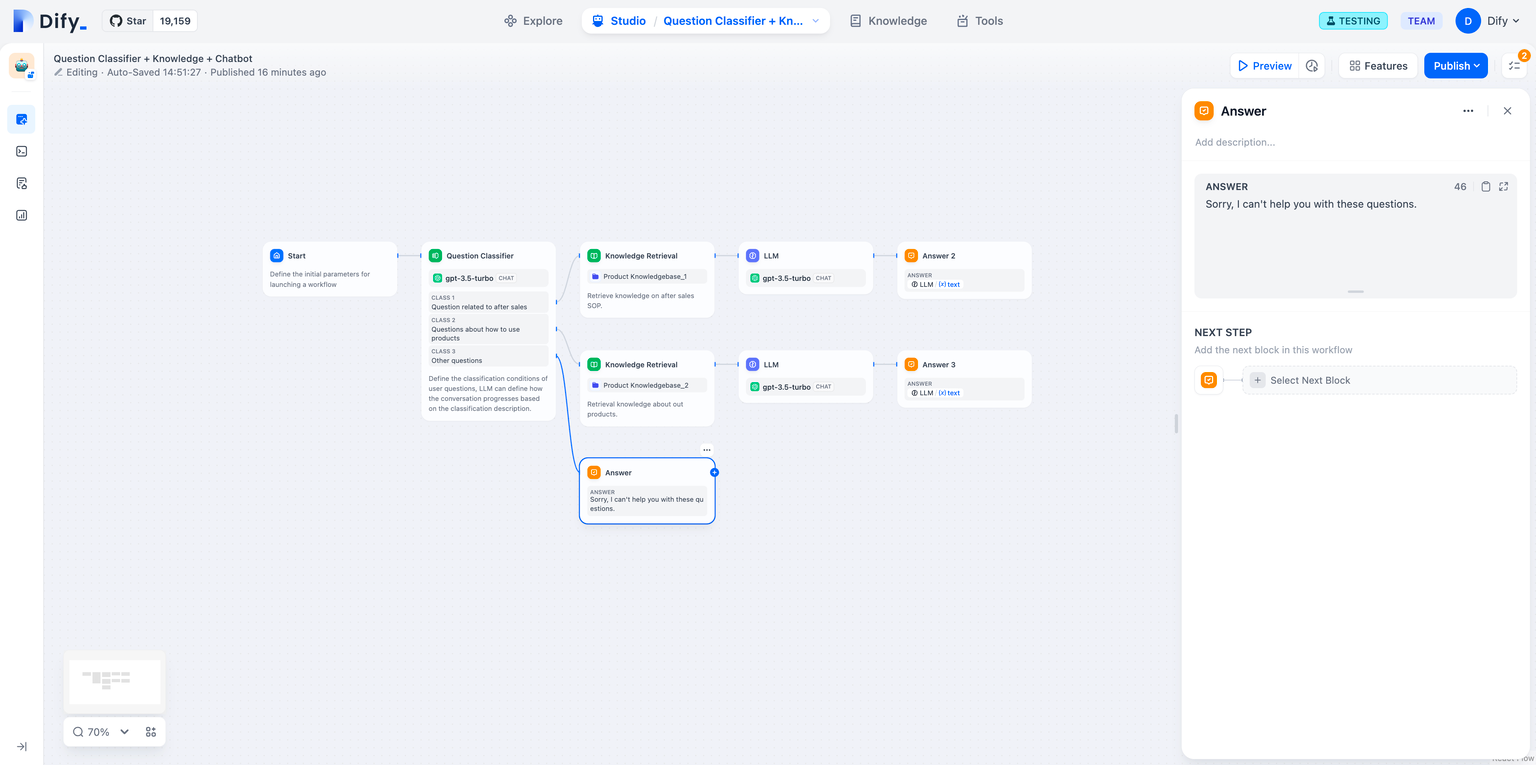
Plain Text Answer Configuration
Multimodal Responses
Answer nodes support rich content delivery including text, images, and files in a single response stream.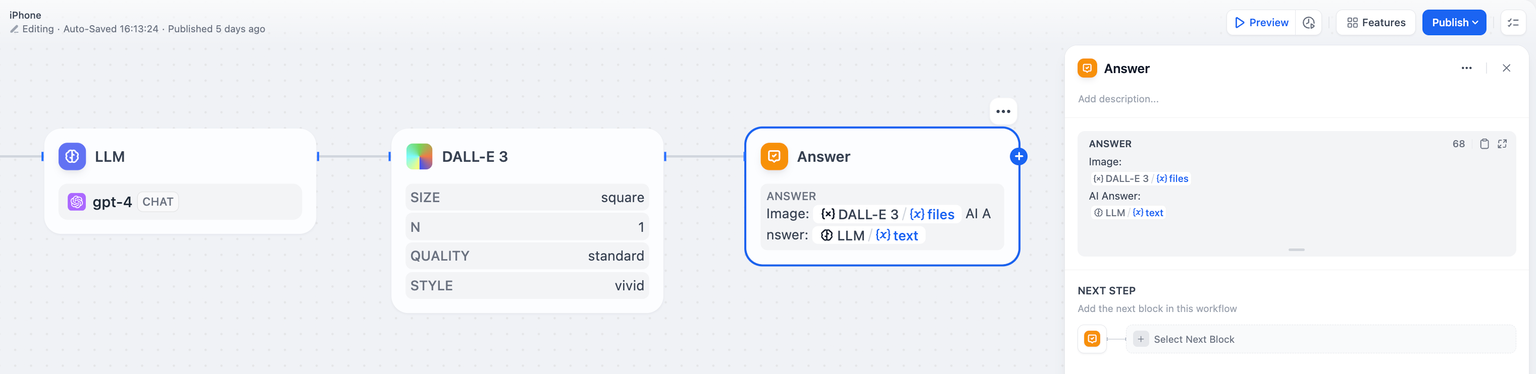
Multimodal Answer with Image and Text Content
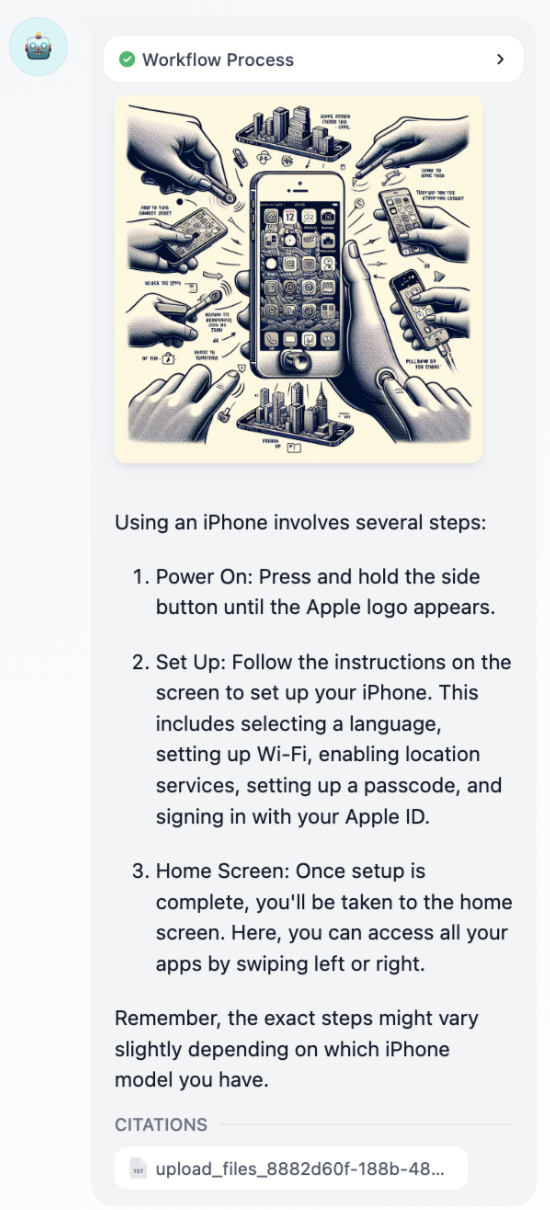
Answer Node User Interface in Chat
Streaming Behavior
Answer nodes stream content progressively based on variable availability. The node outputs all content up to the first unresolved variable, then waits for that variable to resolve before continuing. Variable Order Matters - The sequence of variables in your Answer node determines streaming behavior, not the execution order of upstream nodes. For example, with nodes executing asNode A -> Node B -> Answer:
- If the Answer contains
{{A}}then{{B}}, it streams A’s content immediately when available, then waits for B - If the Answer contains
{{B}}then{{A}}, it waits for B to complete before streaming any content